Branded images & carousels
Generate posts, carousels and quote cards that already use your palette, fonts and logo placement.
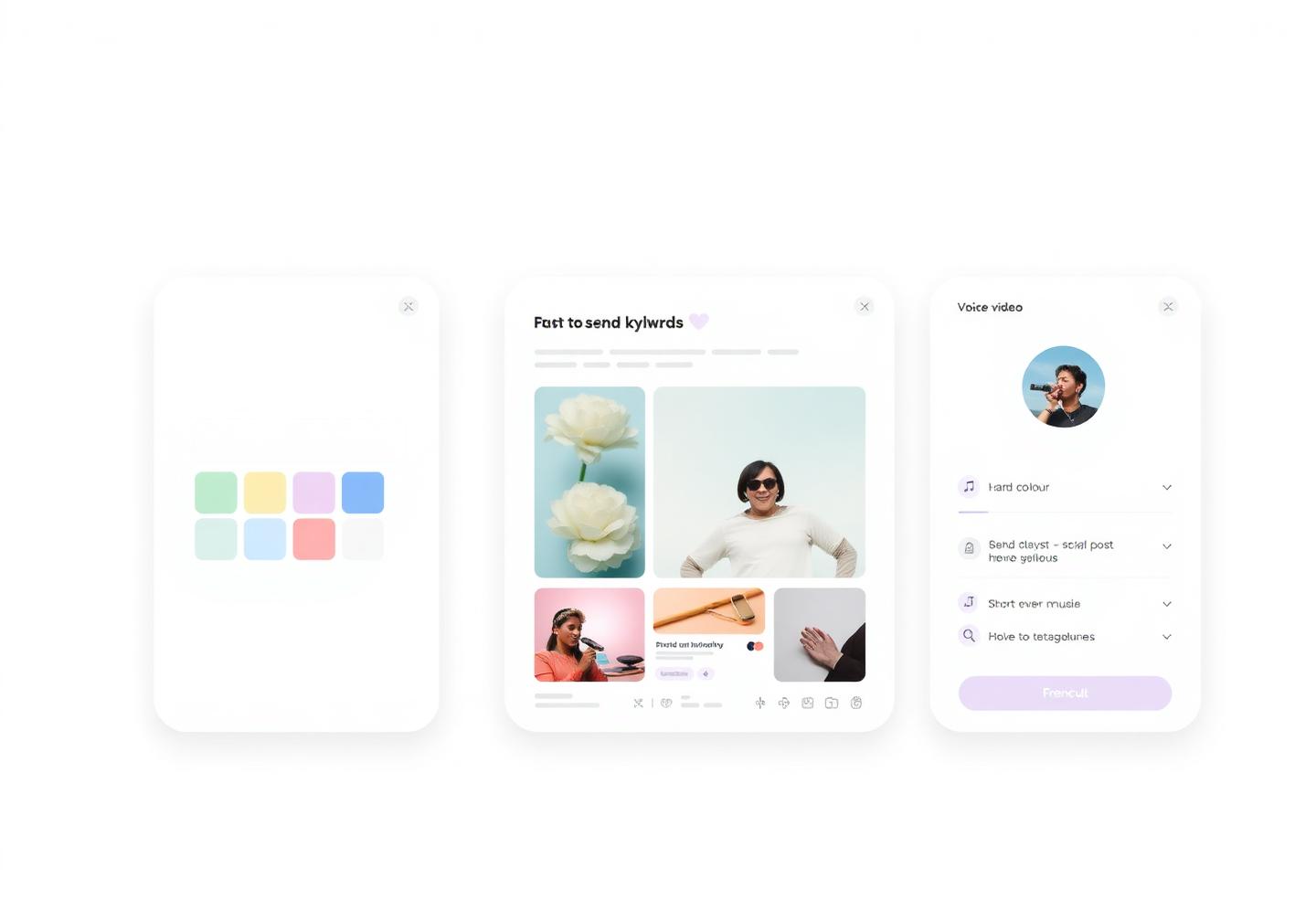
Most AI tools stop at a caption. AI Studio builds the whole post — the image, the reel, the voice-over, the music and the copy — in your brand colours, fonts and tone, ready to schedule without opening a design app.
Free forever plan · Commercial-use output · No design skills needed
60s
From a one-line idea to a post ready to publish
10x
More creative output without hiring a designer
40+
Languages for captions, scripts and voice-overs
1 kit
Your logo, palette and fonts applied automatically
AI content generation, on brand
Images, video, audio and copy come out of the same brief, so nothing looks stitched together from four different tools. Edit anything, keep what works, publish the rest.
Generate posts, carousels and quote cards that already use your palette, fonts and logo placement.
Turn a script, blog link or product photo into a vertical video with captions, cuts and a hook.
Add a natural AI voice in 40+ languages plus royalty-free background music sized to the cut.
Every generation opens in a simple editor — swap text, colours, crops and frames before it ships.
How it works
Type a sentence, paste a link or drop a product photo. AI Studio reads your brand kit for the rest.
Single image, carousel, reel, story or thumbnail — each preset is sized for the network you target.
Regenerate a variant, edit the text, change the palette or replace a scene until it feels like you.
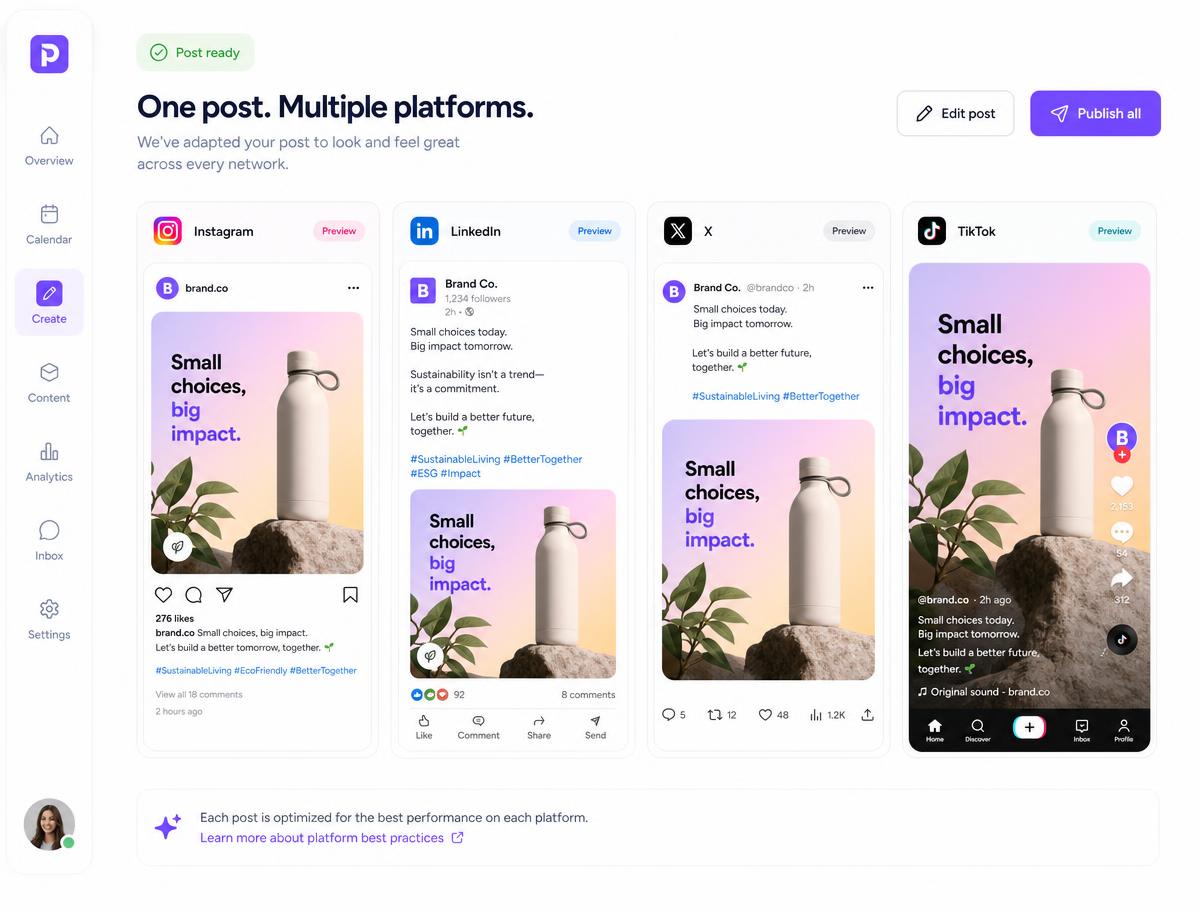
Push the asset into the composer with its caption and hashtags, then queue it in one click.
Consistency at scale
Upload your logo, colours, fonts and tone of voice once. Every image, reel and caption generated afterwards inherits them, so a month of content looks like it came from one studio instead of ten prompts.
Start free with a handful of generations a month, then scale up when AI Studio becomes the fastest part of your workflow.
Brand kits apply your logo, colours and fonts to every generation automatically.
Output is yours to publish, with licensed music and no watermarks on paid plans.
Assets land in your media library and composer instead of a separate download folder.
Social images, carousels, short-form vertical video, AI voice-overs, background music and the caption, hook and hashtags to go with them — all from one prompt or brief.
Yes. Your brand kit stores logo, colour palette, fonts and tone of voice, and every generation applies them. You can keep several kits for different clients or product lines.
Always. Each generation opens in a lightweight editor where you can change text, colours, crops, scenes and music, or regenerate just one element.
Yes. Generated assets are yours to publish on your social channels and ads, with licensed music and watermark-free exports on paid plans.
Captions, scripts and voice-overs support 40+ languages, including Hindi, Spanish, Arabic, French, German and Portuguese.
One click sends the asset and caption into the Pixalera composer, where you can tailor it per network and drop it into your publishing calendar.
Publishing works for Instagram, Facebook, YouTube, Threads, Bluesky and Pinterest. Auto-DM and comment automation cover Instagram and Facebook, and the unified inbox also pulls in YouTube comments. LinkedIn, X (Twitter) and TikTok are on the roadmap.
Yes, and it is free forever: 1 connected channel, 3 scheduled posts a month, 25 Auto-DM sends and 10 AI credits — no credit card required. Paid plans start at ₹499/month ($5.22), with your first month from ₹99 ($1.04).
UPI, all major debit and credit cards, net banking and wallets, processed securely through Razorpay. Monthly renewals use an AutoPay mandate you can cancel any time.
Yes. Pixalera connects only through the official platform APIs (Meta, YouTube and others) using their own permission screens — never your password — and respects each platform's rate limits, including one automated Instagram DM per person per 24 hours.
Generate your first branded post in under a minute and keep your calendar full without a design queue.
Get started for freeNo credit card required