
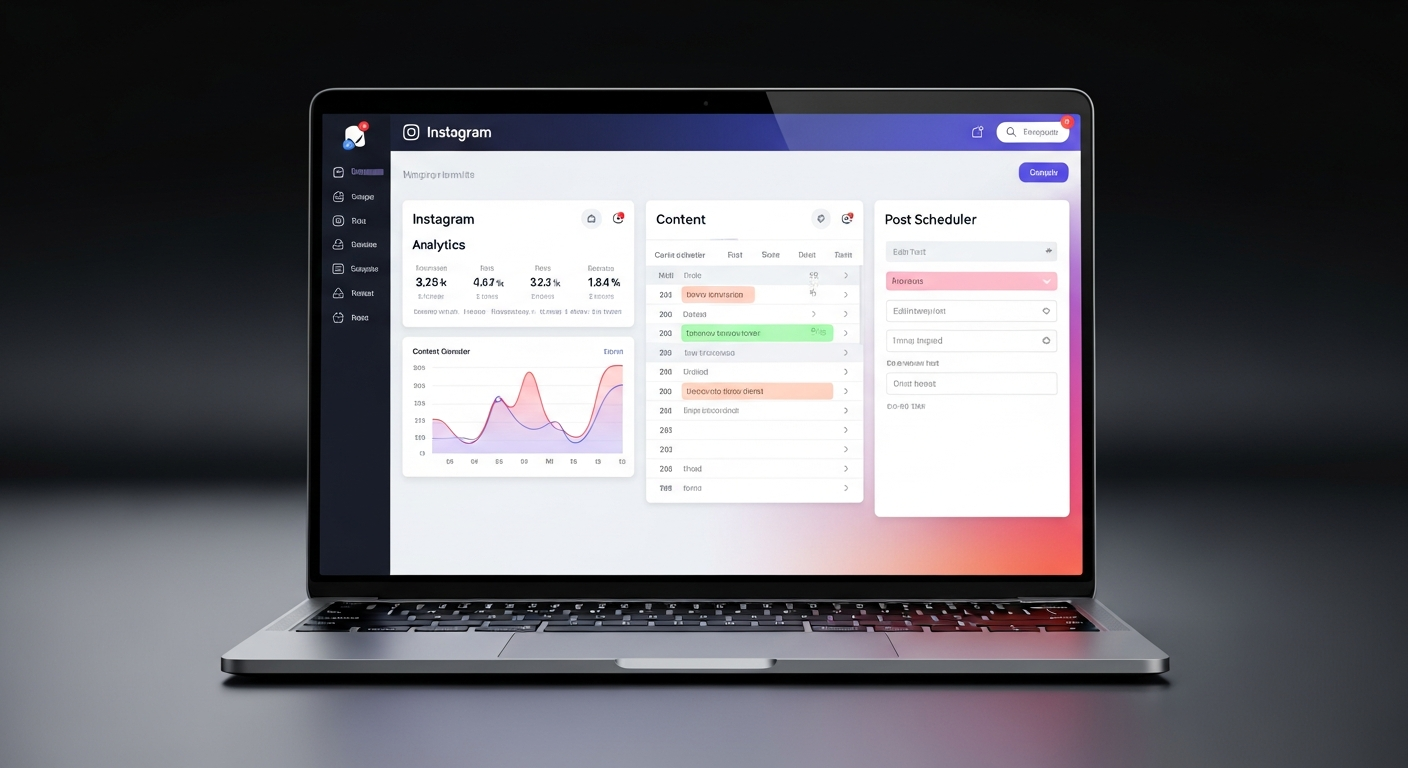
Most popular guides
42 total guides
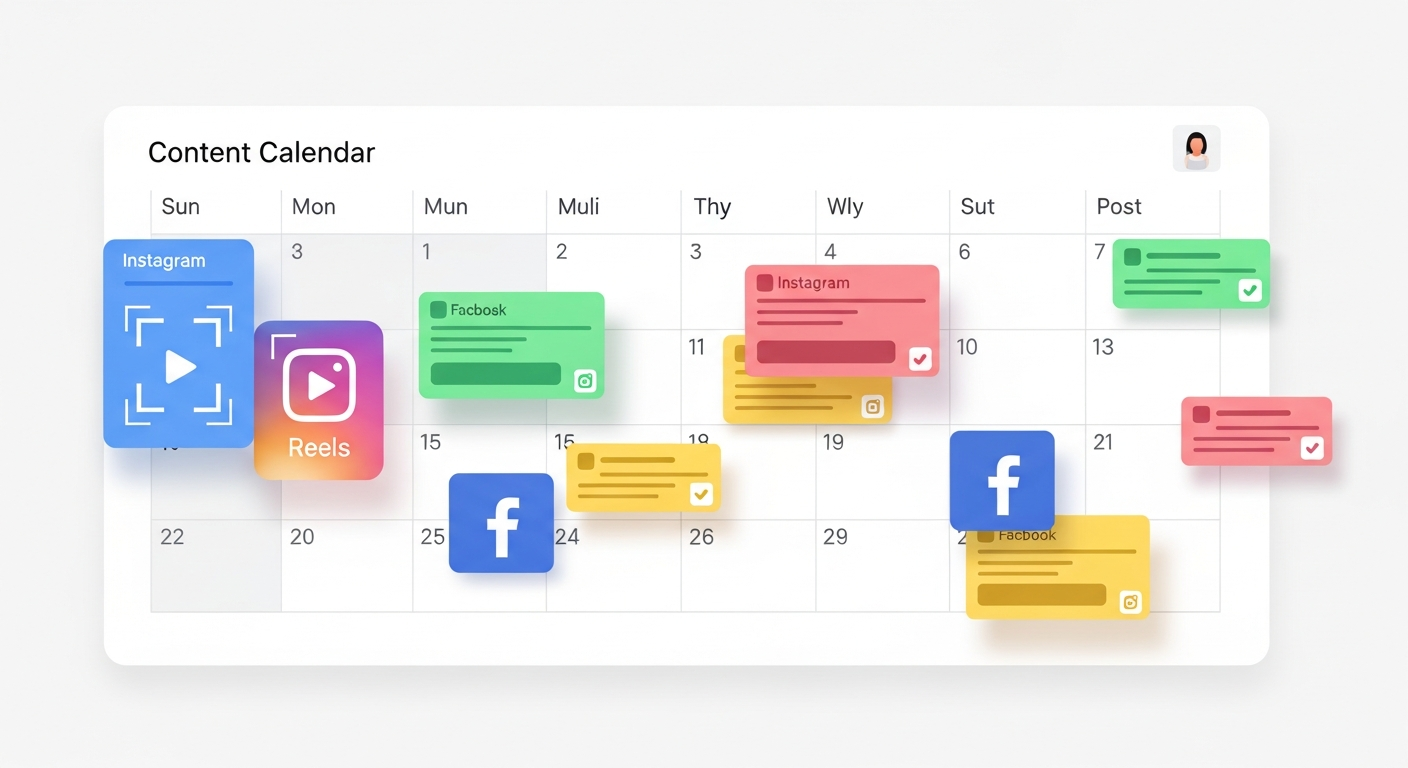
Plan and automate your entire content pipeline
The Content Calendar is your command centre. Drag, drop, bulk-schedule, and let Pixalera post automatically at the times your audience is most active.
A full tour of the Calendar view — month, week, and list modes explained.
How to create a post, add media, write captions per-platform, and set a scheduled time.
Upload a CSV file with 100+ posts at once — perfect for agencies and power creators.
How the Queue works, how to reorder posts, and how to pause your queue.
Let Pixalera analyze your audience data and automatically pick optimal posting times.
How to write a different caption for Instagram, Facebook, and YouTube from one post editor.
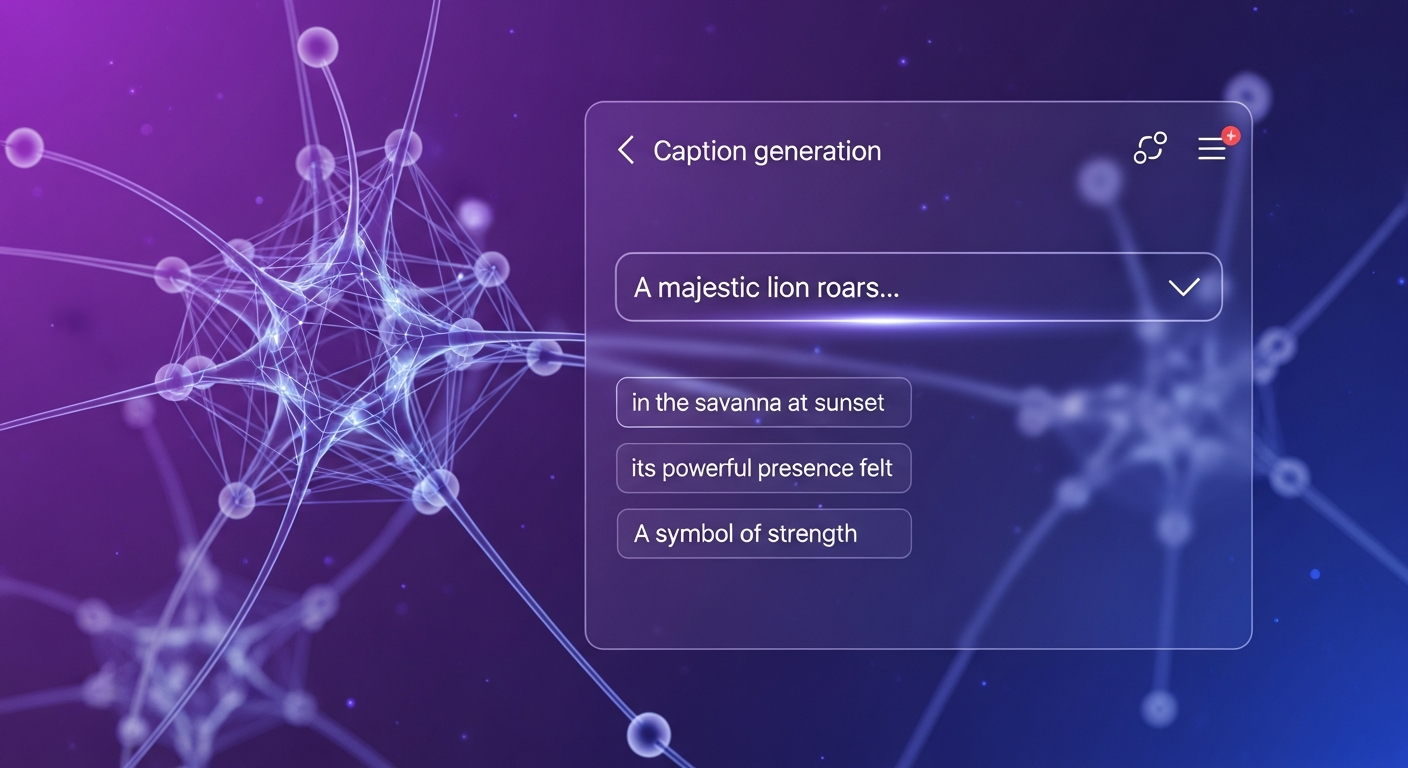
Generate captions, ideas, images, and hooks with AI
AI Studio puts the power of advanced AI at your fingertips. Generate scroll-stopping captions, viral hooks, content ideas, and AI images — all customized for your niche and voice.
How to generate 5 caption options in seconds — choose your tone, niche, and call-to-action.
Generate powerful first-line hooks for Reels and posts that stop the scroll.
Tell AI your niche and goals — get a month of content ideas with post formats, captions, and timing.
Generate custom branded images and illustrations from a text description in seconds.
How the AI adds the right keywords and hashtags to maximize discoverability.
Save your best prompts and AI outputs as reusable templates for future posts.
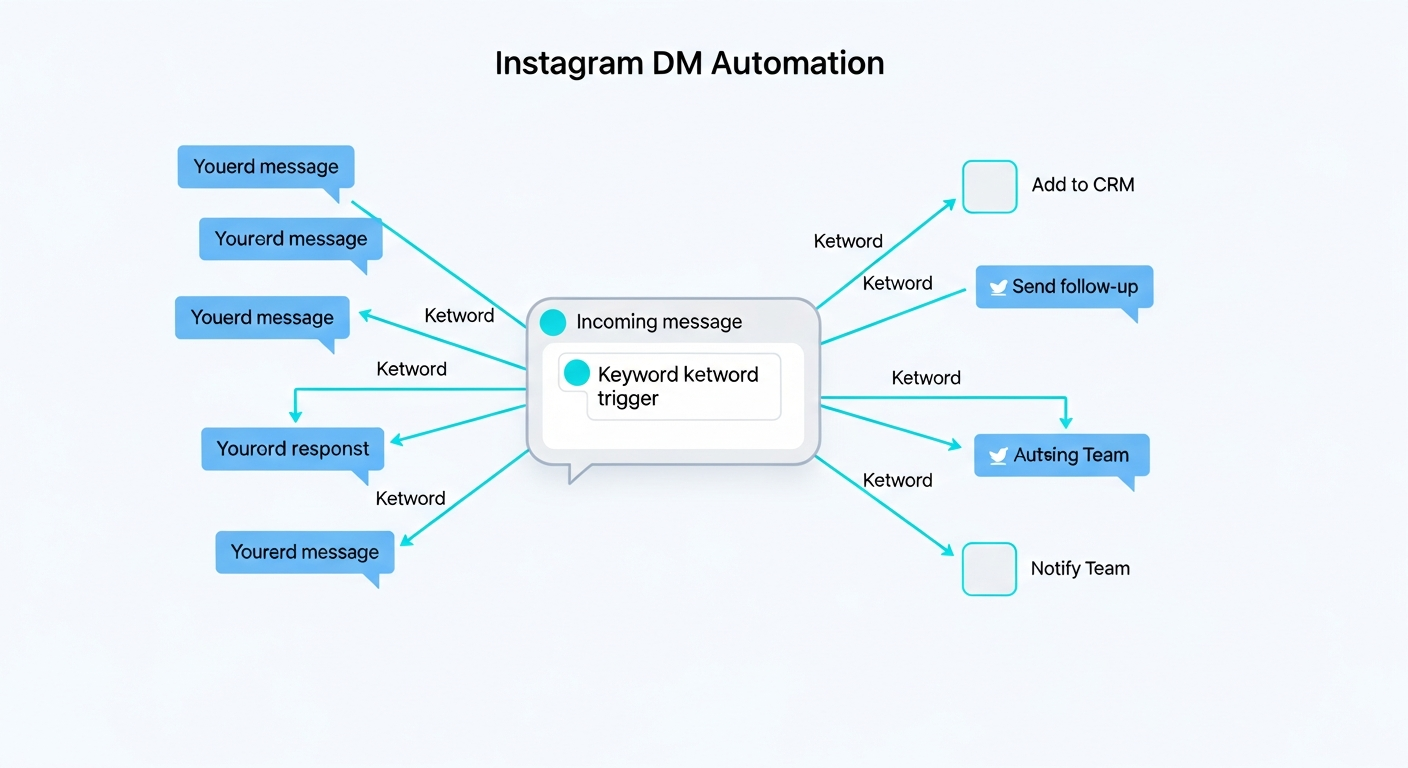
Turn every comment into a customer conversation
AutoDM uses Instagram's official API to automatically send personalized DMs when someone comments a keyword on your post. Build your entire sales funnel inside Instagram DMs.
A full explanation of keyword triggers, DM delivery, public replies, and monthly limits.
Step-by-step: choose a post, set a keyword trigger, write the DM message, go live.
The best keywords to use (link, price, details, info) and how to write high-converting messages.
How to set up the automatic public comment reply that boosts visibility and FOMO.
10 ready-to-use DM templates for products, services, courses, and lead magnets.
How to measure how many DMs were sent, opened, and converted to clicks or sales.
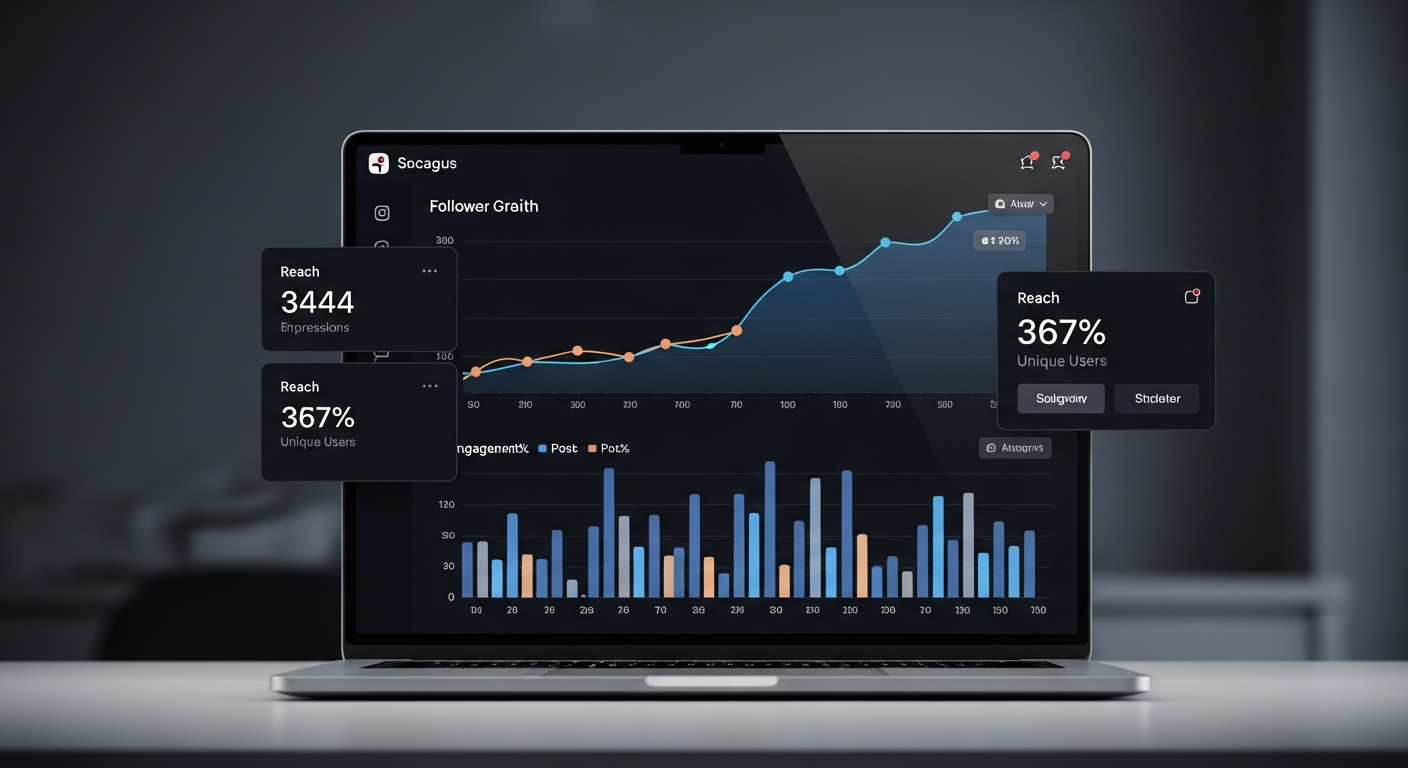
Know exactly what's working and why
Pixalera Analytics shows you the full picture — follower growth, post performance, AutoDM conversions, and revenue attribution. All in one clean dashboard.
A tour of every metric on your dashboard — what each number means and what to do with it.
Reach, impressions, saves, shares, profile visits — explained in plain language.
When your audience is online, where they're from, and what content they engage with most.
How to track the journey from comment → DM → click → sale and measure your ROI.
Connect your Creator Store to Analytics and see which posts are driving actual revenue.
Export your data as CSV or PDF — perfect for brand decks and client reports.
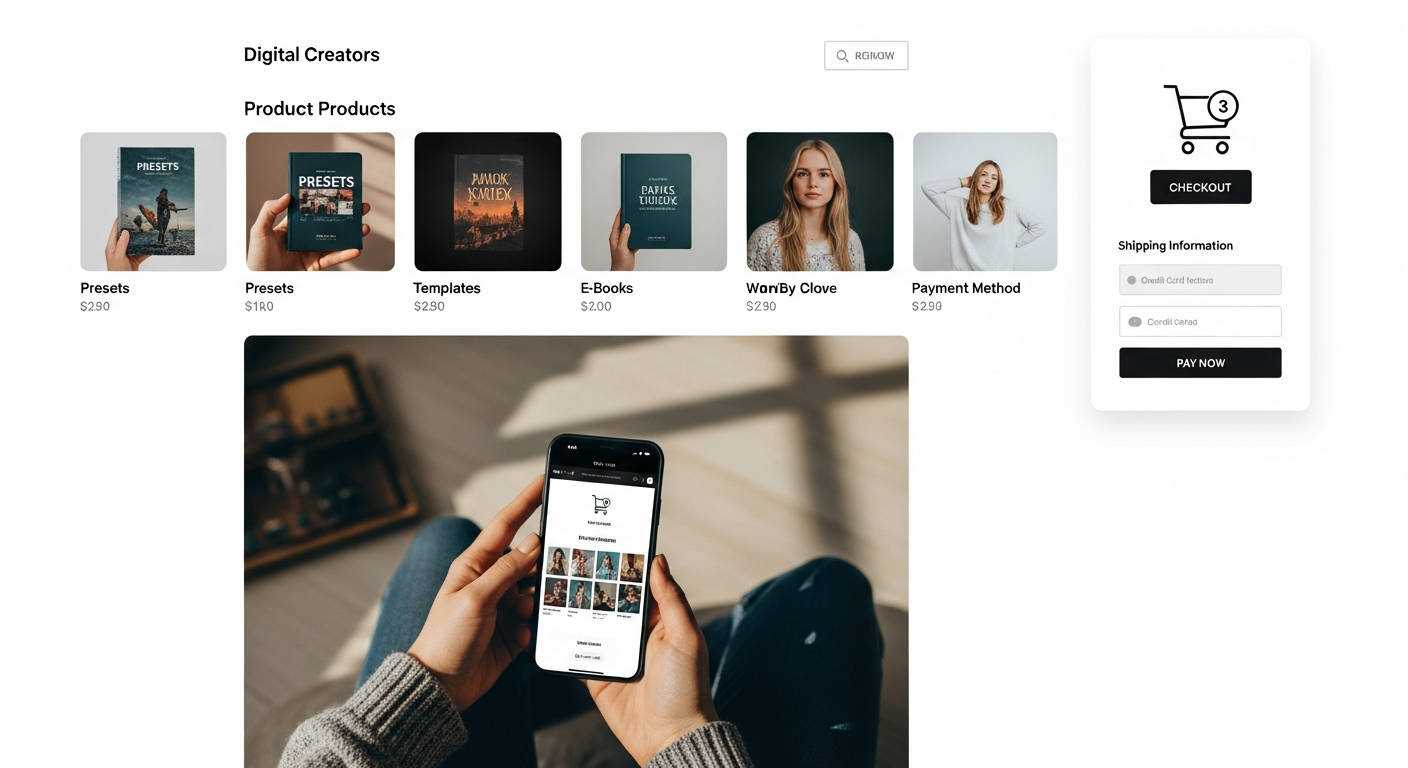
Sell products and services directly from your profile
Your Creator Store is a fully-hosted storefront where you can sell digital products, courses, 1:1 sessions, and physical goods — with Razorpay payments built in.
How to configure your store name, currency, theme, and payout bank account.
Upload PDFs, templates, presets, or any digital file with a price, description, and preview image.
How to connect your Razorpay account and start accepting UPI, cards, and net banking.
How to view, manage, and manually fulfill orders from your store dashboard.
Track your store's revenue, top products, and customer sources.
Use AutoDM to automatically send your store link to anyone who comments on your posts.
Manage your plan, security, and workspace
Everything related to your account — changing your plan, setting up 2FA, managing your team, and exporting your data.
Profile, email, password, notification preferences, and timezone settings.
How to switch between Free, Grow, Creator, and Pro plans and what changes immediately.
Enable 2FA via authenticator app or SMS to secure your Pixalera account.
Invite team members, set their roles (Admin, Editor, Viewer), and manage access.
Download all your posts, analytics, and account data as a ZIP file.
What happens when you delete your account and how to recover within 30 days.
Frequently asked questions
Does Pixalera use Instagram's official API?
Yes. Pixalera only uses Meta's official API. We never ask for your password and your account is never at risk of being flagged.
Which social platforms does Pixalera support?
Instagram, Facebook Pages, YouTube, and LinkedIn. More platforms are coming — join the waitlist for TikTok support.
Can I cancel my subscription anytime?
Absolutely. Cancel anytime from your billing settings. You keep your plan benefits until the end of the billing cycle.
What is the intro pricing?
Grow plan starts at ₹79 first month (then ₹299/mo), Creator at ₹149 first month (then ₹999/mo). AutoPay is set up at sign-up and kicks in from month 2.
How does AutoDM work without getting flagged?
AutoDM uses Meta's official Messaging API through a verified app. All messages are sent within Instagram's platform limits.
Does Pixalera work for small creators?
Absolutely! Pixalera is built for creators at every stage. The Grow plan at ₹79 for the first month is perfect for creators just starting out.
Still have questions?
Our support team replies in under 24 hours — in Hindi or English. Or join our creator community on WhatsApp for instant peer support.