Instagram DM automation: what it is and how to set it up
What Instagram DM automation actually is, what Meta allows, and a practical setup you can run this week without risking your account.
Key takeaways
- DM automation only works on conversations the other person started — comments, story replies, mentions or DMs.
- Everything compliant runs on the official Instagram Messaging API and needs a professional (Business or Creator) account.
- Templates matter more than tooling: acknowledge, deliver, ask one question.
- Measure replies and sales, not sends.
What is Instagram DM automation?
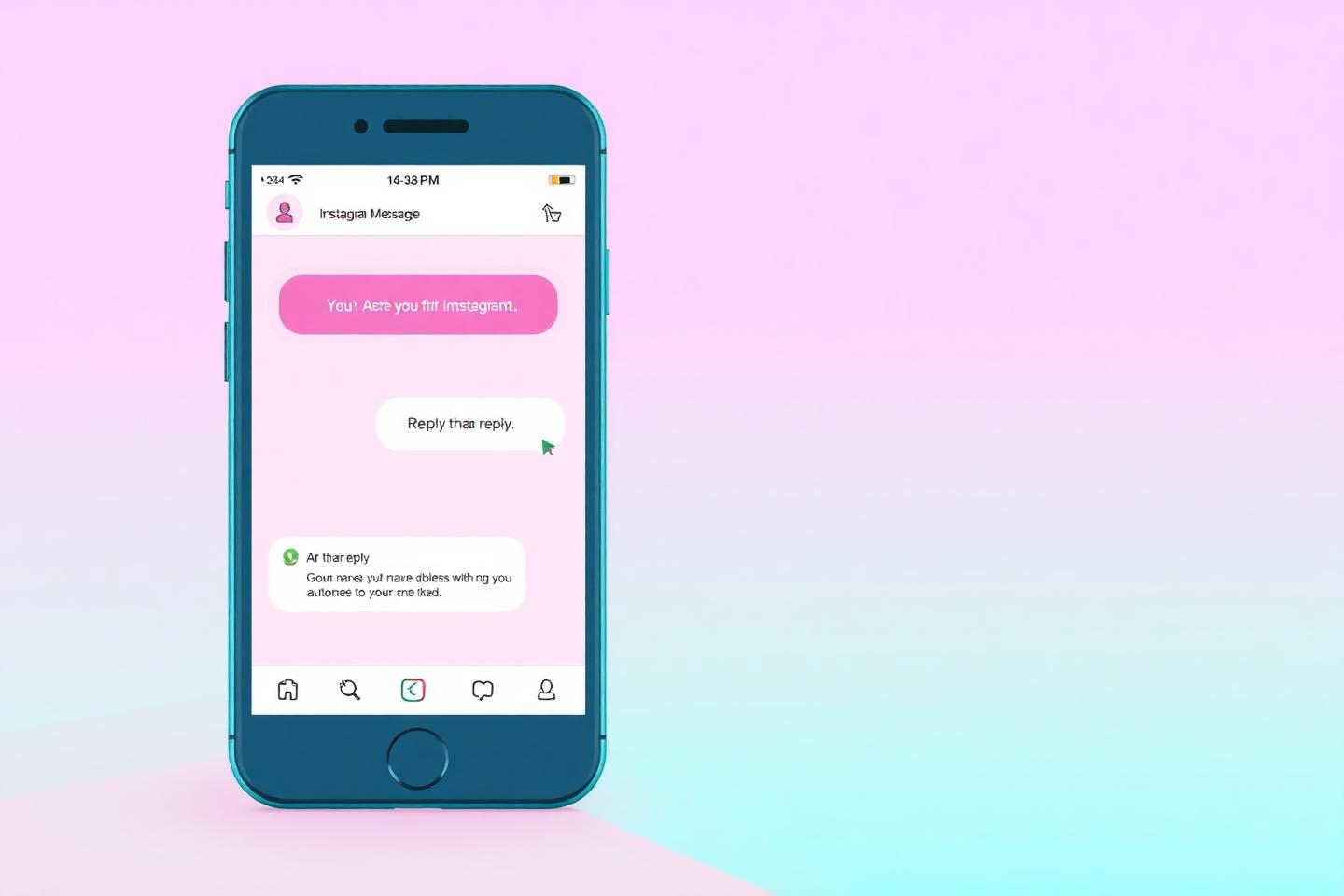
Instagram DM automation is a rules engine sitting on top of your inbox. When a defined event happens — someone comments a keyword, replies to a story, mentions you, or sends a first message — the system sends a pre-written direct message on your behalf, instantly, without you opening the app.
It is not a bot that logs into your account and messages strangers. That approach violates Meta's platform terms and is the fastest way to get action-blocked. Real automation runs through the Instagram Messaging API, which Meta exposes to professional accounts connected to a Facebook Page.
- Trigger — the user action that opens the conversation
- Condition — keyword match, follower status, business hours
- Action — the message, link, file or handoff to a human
- Follow-up — one optional nudge inside the messaging window
Why creators and small businesses use it
The gap between interest and purchase on Instagram is usually a reply that never came. A creator with 20 comments asking for prices loses most of them by the time they reply the next morning. Automation closes that gap to seconds, at any volume, at 2am.
The second benefit is data. Every automated thread is attributable: you know which reel produced which conversation, which keyword pulled the most intent, and which first message earned the most replies. Manual DMs give you none of that.
What you can and cannot automate
Be honest with yourself about the boundaries before you build. Capabilities depend on your account type, the permissions you approve during connection, and Meta's current API rules — all of which can change.
- Can: auto-reply to comments on your own posts and reels
- Can: reply to story replies, mentions and first-time DMs
- Can: send links, files and quick-reply buttons inside the allowed messaging window
- Cannot: DM people who never interacted with you
- Cannot: import a list of usernames and message them
- Cannot: automate a personal (non-professional) account
How to set it up step by step
The mechanics take about fifteen minutes once your account is professional and linked to a Facebook Page.
- 1. Switch to a Business or Creator account and connect it to a Page.
- 2. Connect the account to your automation tool through Meta's own permission screen — never by sharing a password.
- 3. Pick one offer and one trigger keyword for it.
- 4. Write a three-line first message: acknowledgement, deliverable, one question.
- 5. Add a single follow-up scheduled 20–24 hours later.
- 6. Test with a second account before you publish the post that promotes the keyword.
Message templates that get replies
The tone should match the way your audience already talks to you. For most Indian creator audiences, a mixed Hindi-English line outperforms a formal English paragraph — but only if that is how you actually speak on camera.
- Lead magnet: 'Ye raha your free guide 👇 [link] — kis topic pe stuck ho abhi?'
- Pricing: 'Here's the full rate card: [link]. Kaunsa package dekh rahe ho — starter ya pro?'
- Waitlist: 'Added you to the list ✅ Launch day pe pehle aapko ping karunga.'
- Every message ends with a real opt-out line.
Mistakes that get accounts limited
Almost every restriction story starts the same way: too many identical messages, sent too fast, to people who did not ask. Slow the flow, vary the copy, and honour opt-outs immediately.
The other common failure is a dead end — an automated message with a link and nothing else. If nobody can reach a human from the thread, your DM automation is a broadcast channel, and people mute broadcast channels.
Where Pixalera fits
Pixalera's Auto-DM runs on the official Instagram and Facebook APIs, with keyword triggers, follow-up timing, an opt-out keyword and a unified inbox where a human can take over the same thread. Automated conversations flow into the same analytics as your scheduled posts, so you can see which reel actually produced the sale.
Frequently asked questions
Instagram DM automation kya hai?+
Ye ek system hai jo aapke behalf par automatic DM bhejta hai jab koi user aapke post par keyword comment kare, story reply kare ya pehli baar message kare. Ye sirf official Instagram Messaging API ke through allowed hai.
Do I need a Business account?+
Yes. Automation requires a professional account (Business or Creator) connected to a Facebook Page, because that is what the Instagram Messaging API supports.
Can I automatically DM new followers?+
No. A follow is not a message, so it does not open a conversation under Meta's rules. Ask people to comment a keyword instead — that is a permitted trigger.
How many automated DMs can I send?+
There is no public fixed number, but the same person should not receive the same automated flow more than once in 24 hours, and platform rate limits apply across your account.
Will automation hurt my reach?+
Not on its own. Comment-triggered flows usually help, because the comments themselves are an engagement signal. Spammy, unsolicited messaging is what causes problems.
Run this playbook inside Pixalera
Scheduling, Instagram AutoDM, AI Studio and post-to-sale analytics in one workspace — plans from ₹499/month.
Start free