
PixaleraPixalera
Help CenterContact Us

Pixalera Studio

One AI studio for images, video, voice and music

Generate a thumbnail, a Reel cover, a voiceover and background music in the same place you schedule your posts — no round trip through five different tools.

Live — image, video, audio, music, assets and social modules.

AI Studio workspace in Pixalera

Image Studio

Thumbnails, Reel covers, quote cards and product shots generated at the exact aspect ratio each platform wants.

Video Studio

Short-form video generation and edits for Reels, Shorts and Stories.

Audio Studio

Voiceovers in multiple voices and languages, ready to drop onto a Reel.

Music Studio

Original background tracks generated from a text brief — no copyright claims.

One tool, endless possibilities

Pixalera’s tools for AI Studio go beyond scheduling. Explore how one workspace makes creating — and growing — so much simpler.

SCHEDULE

Creation and distribution in the same place

Most creators generate assets in one tool, download them, re-upload them into a scheduler and lose an hour a week to file shuffling. Studio removes that gap: everything you generate is already inside the product that publishes it, tagged in your library and one click from a scheduled post.

Get started for free
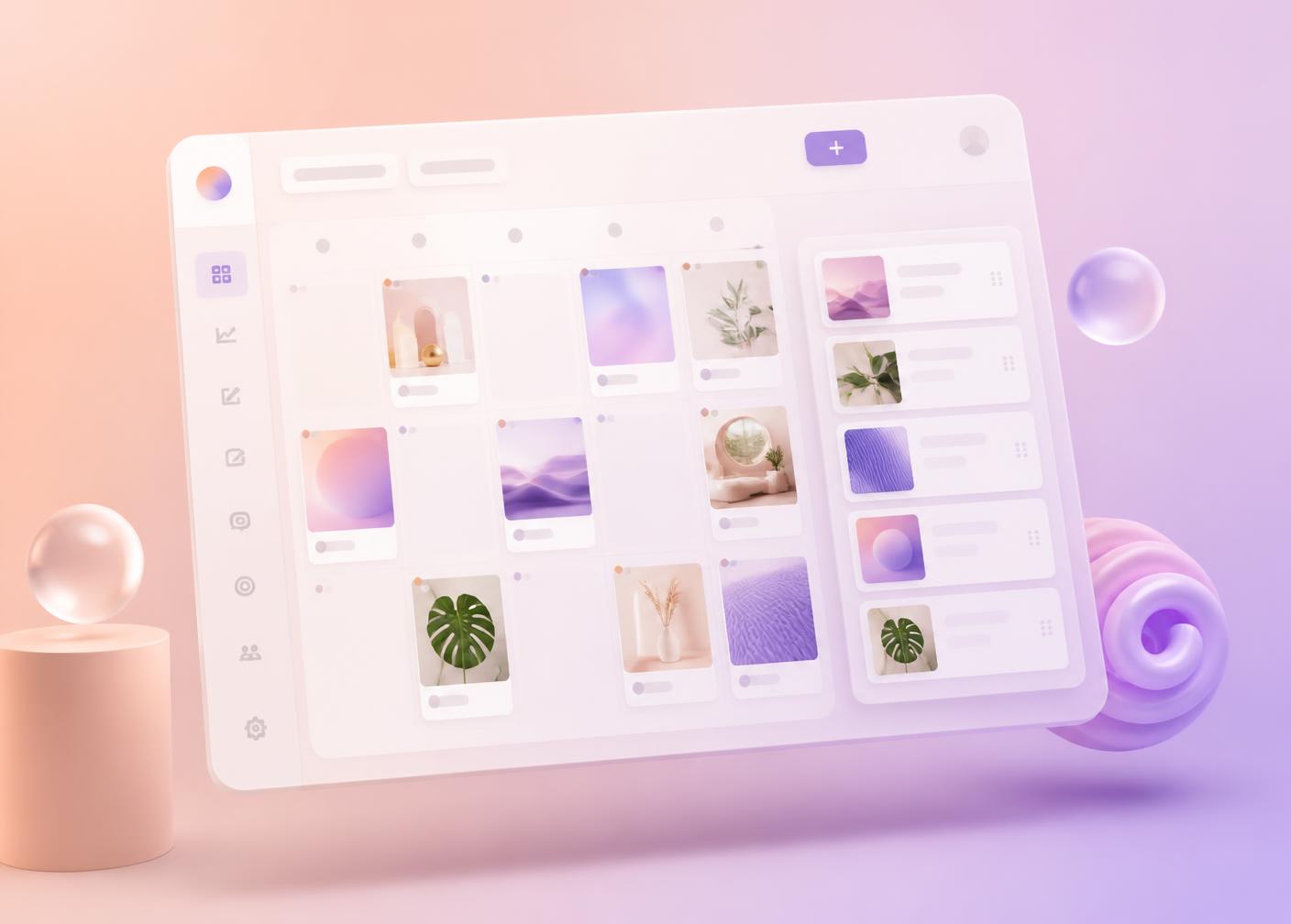

Creation and distribution in the same place — Pixalera AI Studio

ANALYZE

Credits you can actually see

Every generation costs credits, and the Billing page shows exactly what each module consumed, with a runway forecast so you know how long your balance lasts at your current pace.

Get started for free
Credits you can actually see — Pixalera AI Studio

Problems this solves

“I pay for four different AI tools.”

Image, video, voice and music live in one subscription with shared credits.

“Exporting between tools kills my flow.”

Generated assets land in your library and go straight to the composer.

“Stock music gets my Reels muted.”

Music Studio generates original tracks you can safely publish.

How it works

1

Open Studio from your dashboard sidebar.

2

Pick a module — image, video, audio or music.

3

Describe what you want; refine with follow-up prompts.

4

Send the result to the composer and schedule it.

AI Studio FAQs

Images, short-form video, voiceovers and original background music — plus a shared asset library that stores everything you create.

Resources

Want to grow on AI Studio? Let’s get you started.

Free plan, no credit card. Setup takes under two minutes.

Get started for free